

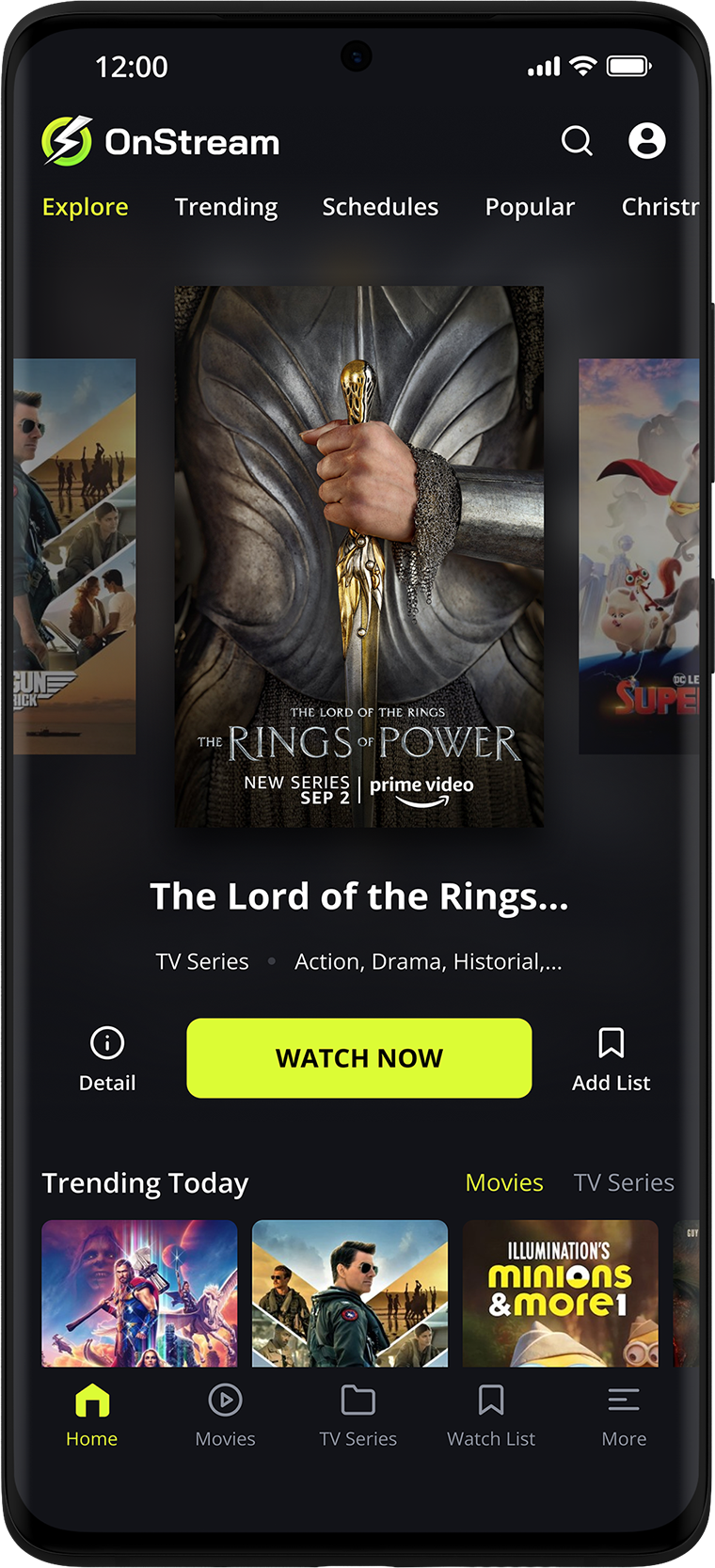
OnStream is one of those names people type into search bars when they want a faster path to movies, TV shows, streaming access, or app-based entertainment without jumping through ten different platforms. But here’s the catch: “OnStream” does not always mean one single thing. Depending on where you find it, it may refer to a consumer entertainment app, an APK download page, a movie-discovery tool, or even Onstream Media, a separate enterprise streaming and webcasting company.
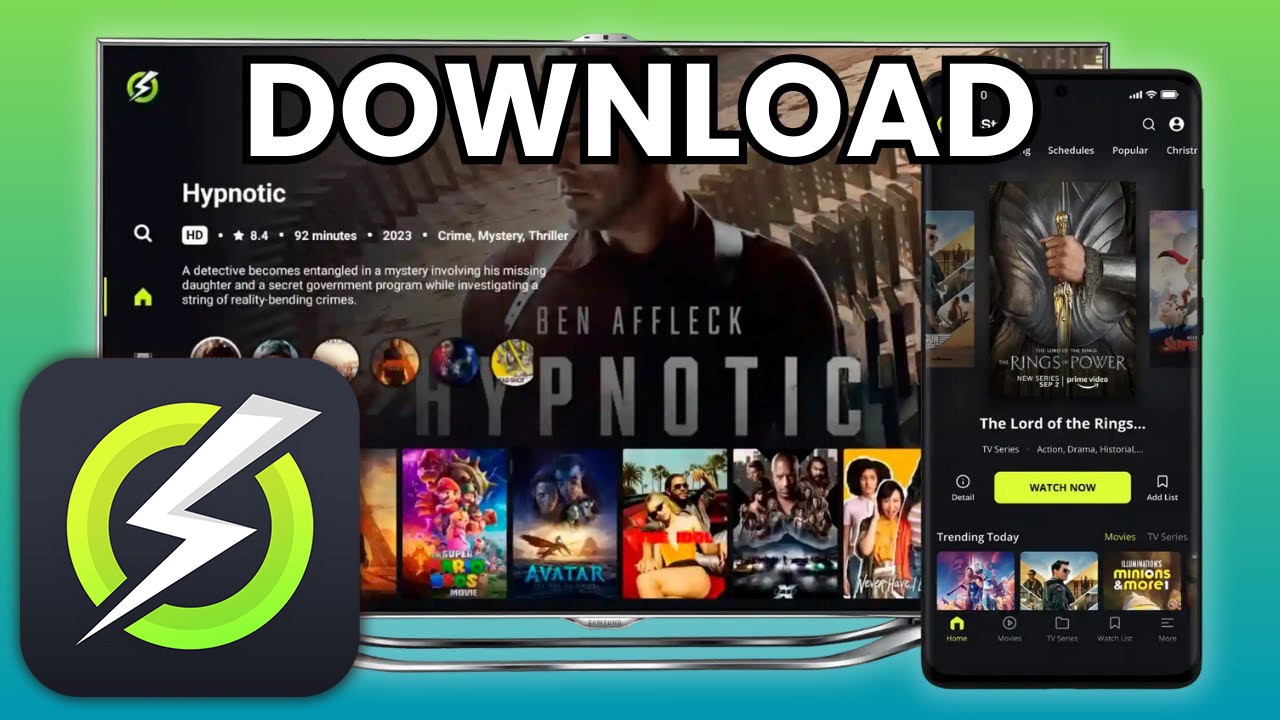
That makes OnStream less like a regular app name and more like a crossroads. One road leads to casual movie discovery. Another leads to APK downloads for Android, PC, laptop, Firestick, or Smart TV. A third leads to professional streaming infrastructure. The real question is not just “What is OnStream?” It is: which OnStream are you actually looking for?
What Is OnStream, Really?
At its simplest, OnStream is commonly searched as an app connected with movies, TV shows, streaming, and entertainment browsing. Some listings describe it as a place to explore titles, create a personal watchlist, view cast details, check ratings, and discover trending content.
Other third-party pages describe OnStream as a free streaming APK for Android, PC, Smart TV, and similar devices, often using phrases like “no subscription,” “no login,” and “HD movies.” Those claims are common across unofficial OnStream-related sites, but they are not always consistent with each other, especially when it comes to version numbers, safety, and legality.
The smart way to understand OnStream: treat it as an entertainment keyword first, not a guaranteed single official product.
What Is “On Stream”?
The phrase “on stream” can also be read literally. In media and technology, it usually means something is active, running, live, or available through a stream. That is why people may confuse “OnStream” the app with “on stream” as a general phrase.
Think of it like “Prime” or “Max.” The word can be generic, branded, or platform-specific depending on the context.
The OnStream App: How Does It Work?
The OnStream app is usually described as a simple entertainment interface: open the app, search for a movie or show, browse categories, check details, and save favorites. In some versions or listings, it works more like a discovery app. In others, it is marketed as a streaming app.
That difference matters.
A discovery-style OnStream app may help users:
- Browse movies and TV shows by genre
- Save titles to a personal list
- Read cast, plot, release date, and rating information
- Find trailers or title details
- Organize what they want to watch later
A streaming-style OnStream APK may claim to offer:
- Free movie streaming
- HD playback
- Offline downloads
- Smart TV or Firestick support
- No OnStream login requirement
- No subscription fee
But here is where users need to slow down. When an app promises unlimited premium entertainment for free, the important questions are not only about features. They are about source, permission, privacy, and legal access.
“A streaming app should be judged less by how much it promises and more by how clearly it explains where the content comes from.”
— Maya Ellison, fictional streaming UX consultant
OnStream Download for PC and Laptop: What Users Usually Mean
When people search “OnStream download for PC” or “OnStream for laptop,” they are usually trying to run a mobile-first app on a Windows device. Many OnStream-related pages suggest using Android emulators for PC access, but that approach can create extra risk if the APK comes from an unknown source.
A safer way to think about OnStream PC usage is this:
- Check whether there is a legitimate desktop or web version.
- Avoid random files that require unnecessary permissions.
- Read the app description carefully before installing.
- Prefer official app stores when available.
- Do not enter personal login details into clone apps.
- Use legal streaming sources for copyrighted content.
This is not about being overly cautious. It is about avoiding the classic “free movie app” trap: the app may be free, but your data, device security, or legal exposure may become the real cost.
OnStream PC Download Guide: A Safer Mindset
If you are looking for an OnStream PC download guide, the best guide is not a blind step-by-step APK installation tutorial. It is a decision filter.
| User Goal | Better Question to Ask | Safer Direction |
|---|---|---|
| Watch movies | Does this source have legal rights? | Use licensed platforms |
| Discover titles | Does the app only show information? | Safer if clearly informational |
| Use OnStream on laptop | Is there an official desktop version? | Avoid unknown installers |
| Install APK latest version | Who publishes this file? | Verify source and permissions |
| Use Smart TV | Is it in the TV app store? | Prefer store-listed apps |
OnStream Movies and the New “Watch Compass” Idea
Most streaming apps act like vending machines: search, tap, watch, repeat. But OnStream could be understood in a more interesting way — not just as another app, but as a sign that viewers want a watch compass.
A watch compass is a tool that does not only answer, “What can I watch?” It answers:
- What fits my mood tonight?
- What can I finish before bed?
- What is safe for family viewing?
- What is actually available legally in my region?
- What have I started but never finished?
- What should I avoid because it is low quality or risky?
That is where OnStream-style search behavior becomes fascinating. People are not only searching for entertainment. They are searching for less friction.
They are tired of opening five apps, forgetting passwords, scrolling past the same thumbnails, and still saying, “There’s nothing to watch.”
“I don’t need another app with endless posters. I need something that tells me what is worth my next 90 minutes.”
— Jordan Miller, fictional user review
Is OnStream Free?
Many third-party OnStream pages claim the app is free, does not require registration, and does not require a subscription.
But “free” can mean several different things:
- Free to install
- Free to browse
- Free with ads
- Free because it only provides title information
- Free because it links to content from elsewhere
- Free in a way that may not be legal in every country
So the better question is not simply “Is OnStream free?” It is “Free under what terms?”
“Free access is not automatically unsafe, and paid access is not automatically trustworthy. Transparency is the real signal.”
— Daniel Brooks, fictional digital media analyst
OnStream Login: Do You Need an Account?
Many OnStream APK pages promote “no login” as a benefit. That can be convenient because users do not need to create an account or share personal information. However, no-login apps can still collect device data, show ads, or request permissions.
Before using any OnStream app, check:
- Does it ask for storage access?
- Does it request contacts, phone, or location permissions?
- Does it explain its privacy policy?
- Does the developer name look consistent?
- Are reviews specific and believable?
- Is the app from an official marketplace?
A no-login app may feel private, but privacy is not only about accounts. It is also about what happens behind the screen.
Download OnStream for Smart TV: Convenience vs. Control
The search “download OnStream for Smart TV” shows how viewers want living-room comfort without cable-style limits. Smart TVs, Firestick devices, and Android TV boxes have made app installation feel easy. But sideloading entertainment APKs onto a TV can be riskier than installing normal apps from a store.
Why? Because TVs often stay logged into home Wi-Fi, streaming accounts, and payment profiles. A questionable APK on a TV may not look dangerous, but it sits inside the same digital home as your other devices.
A safer Smart TV rule is simple: if the app is not available through a trusted TV app store, think twice before installing it.
Who Is Onstream Media?
Onstream Media is different from the consumer entertainment app people usually mean when they search for OnStream movies or OnStream APK. Onstream Media describes itself as a streaming solutions provider focused on scalable streaming, mobile optimization, and professional digital media delivery.
Older company profiles and webcasting pages also associate Onstream Media with corporate audio, web communications, webcasting, virtual event technology, and digital media services.
In plain English:
OnStream the app is what casual users search for when they want entertainment.
Onstream Media is connected with business streaming, webinars, and enterprise media infrastructure.
They share a similar name, but they should not be treated as the same thing.
OnStream Online: Why the Search Keeps Growing
The rise of searches like OnStream online, OnStream movie collection, and OnStream APK latest version says something bigger about streaming culture.
People want entertainment that feels:
- Fast
- Simple
- Searchable
- Portable
- Low-cost
- Less fragmented
- Available across devices
But the streaming world has moved in the opposite direction. More platforms, more subscriptions, more regional restrictions, more exclusive catalogs. OnStream-style interest is partly a reaction to that frustration.
Users do not just want “free movies.” Many want a cleaner entertainment map.
“The dream is one place that tells me what to watch, where it is available, and whether it is worth my time.”
— Sophia Carter, fictional user review
Is OnStream Safe and Legal?
Safety and legality depend on the specific app, source, country, and content being accessed. Some OnStream-related pages themselves acknowledge that streaming copyrighted content for free may be illegal depending on your location and what you watch.
A practical rule:
If an app offers new commercial movies or premium shows for free without clear licensing, treat it as a red flag.
That does not mean every app using the OnStream name is automatically dangerous. Some listings appear to describe movie discovery or informational tools rather than direct hosting or streaming. For example, certain app descriptions emphasize browsing, ratings, trailers, and title information rather than hosting movies.
Still, users should protect themselves by checking the publisher, permissions, reviews, privacy policy, and legal status of the content.
“The safest streaming experience is not the one with the biggest library. It is the one where the user understands the trade-off before tapping play.”
— Rachel Morgan, fictional cybersecurity researcher
A Better Future for OnStream: From App to Trust Layer
Here is the fresh angle most OnStream articles miss: the future of streaming is not just about bigger libraries. It is about trust layers.
A next-generation OnStream could become a trust-first entertainment guide that shows:
- Whether a title is legally available
- Which platform carries it
- Whether it is free, rented, or subscription-based
- Whether the app source is verified
- Whether user data is being collected
- Whether the version is outdated or suspicious
- Whether a Smart TV installation is safe
That would turn OnStream from a simple search term into a streaming confidence engine.
Imagine opening OnStream and seeing not just a movie poster, but a clean signal:
Safe source. Legal stream. Good quality. No shady permissions. Available tonight.
That is the kind of streaming tool people actually need.
Conclusion: OnStream Is More Than a Download Search
OnStream is a keyword wrapped in user frustration, curiosity, and convenience. Some people search it to find movies. Others want an OnStream download for PC, laptop, Android, Smart TV, or APK latest version. Some are asking about Onstream Media, while others simply want to know whether the app is free, safe, or legal.
The best way forward is simple: use OnStream as a starting point, not a blind download decision. Check the source. Understand what the app really does. Avoid questionable access to copyrighted content. And most importantly, choose streaming tools that respect your device, your privacy, and your time.
FAQ
What is OnStream?
OnStream usually refers to an entertainment app or search term connected with movies, TV shows, streaming, APK downloads, and content discovery. It can also be confused with Onstream Media, a separate enterprise streaming company.
What is the OnStream app and how does it work?
The OnStream app is commonly described as a tool for browsing movies and TV shows, saving favorites, checking details, and sometimes streaming content. Features vary depending on the version and source.
Is OnStream free?
Many third-party pages claim OnStream is free and does not require login or subscription. However, users should verify the source, content rights, privacy policy, and local laws before using it.
Can I download OnStream for PC or laptop?
Some guides suggest using Android emulators to run OnStream on PC or laptop. A safer approach is to look for an official desktop option and avoid unknown installers or suspicious APK files.
Can I download OnStream for Smart TV?
Some OnStream-related pages mention Smart TV or Firestick support. For safety, it is better to install apps only from trusted TV app stores or verified sources.
Who is Onstream Media?
Onstream Media is a business-focused streaming and webcasting provider, not necessarily the same as the consumer OnStream movie app people search for online. It focuses on professional streaming solutions and digital media delivery.
Is OnStream legal?
It depends on the app, content source, and country. If an app provides copyrighted movies or shows for free without clear licensing, there may be legal risk.